The best audio to text converter depends on your use case. We compare 9 tools on accuracy, languages, pricing, and privacy, sorted by who they actually serve.
Best Audio to Text Converter: 9 Tools Compared by Audience
There is no single best audio to text converter: the right pick depends on who is uploading. An hour of recorded speech holds roughly nine thousand words, none of them searchable or quotable until someone writes them down, and the people who need that done want very different things. A podcaster wants episode text for the show page, a PhD student wants forty interviews turned into usable data, and a consultant wants last Tuesday's client call in a document before the follow-up meeting.
If you just need a transcript from a file right now, our audio to text tool does exactly that, with the first 10 minutes of your first file free.
This comparison covers nine tools and sorts them by who they actually serve. One disclosure up front: FileToText is our own product. It appears in the creator section below and gets the same honest treatment as everything else.
The Criteria We Used
Four things separate a good pick from a frustrating one:
- Accuracy on imperfect audio. Every vendor advertises a number in the mid-nineties, and those figures assume clear speech into a decent microphone. What matters is how a tool copes with your echo-heavy conference room or the guest who mumbles. Wherever a free sample exists, test with your worst recording, not your best.
- Language coverage. If you record in one language, almost anything works. If your material mixes Dutch interviews with English panels, look for broad language support and automatic detection, so you are not setting the language by hand for every file.
- Pricing shape. Subscriptions suit steady monthly volume, and unused minutes usually expire. Pay-as-you-go suits bursts. A free preview or trial lets you validate quality before spending anything.
- Privacy. Ask where the audio is processed, how long it is stored, and whether it is used to train models. For client calls and research participants, that is not optional fine print.
Best Fits for Content Creators
1. FileToText
This is our tool, so judge the claims with the free preview rather than taking our word for it. FileToText does one job: you drag an audio or video file onto the page (MP3, WAV, M4A, MP4, MOV, and other common formats) and get a plain text transcript back to read, copy, or download. The first ten minutes of your first file are transcribed free in seconds, with no card needed, so you can check accuracy on your own material before paying anything. It recognises more than 90 languages with automatic detection, holds 95%+ accuracy on reasonably clean audio, and handles recordings up to twenty hours in a single pass. What it deliberately lacks: a collaborative editor, a media production suite, and meeting-bot integrations. If you need those, one of the tools below fits better.
2. Descript
Descript treats the transcript as the editing interface: delete a sentence in the text and the corresponding audio disappears too. For podcasters who edit their own episodes, that is a genuinely different way of working. As a pure converter it is heavier than necessary, since you are paying for a full production environment, and transcription hours are metered by plan tier.
3. Sonix
Sonix is a straightforward automated service with a capable browser editor and per-hour billing, which suits creators whose output swings from month to month. Accuracy is competitive on clean recordings; the trade-off is that most things beyond core transcription are paid add-ons.
Best Fits for Researchers and Journalists
4. Trint
Built by journalists, Trint is organised around speed and multi-user work: several editors can verify and correct one transcript at the same time, and the company states plainly that customer audio is not used to train its models. It is priced for organisations rather than individuals.
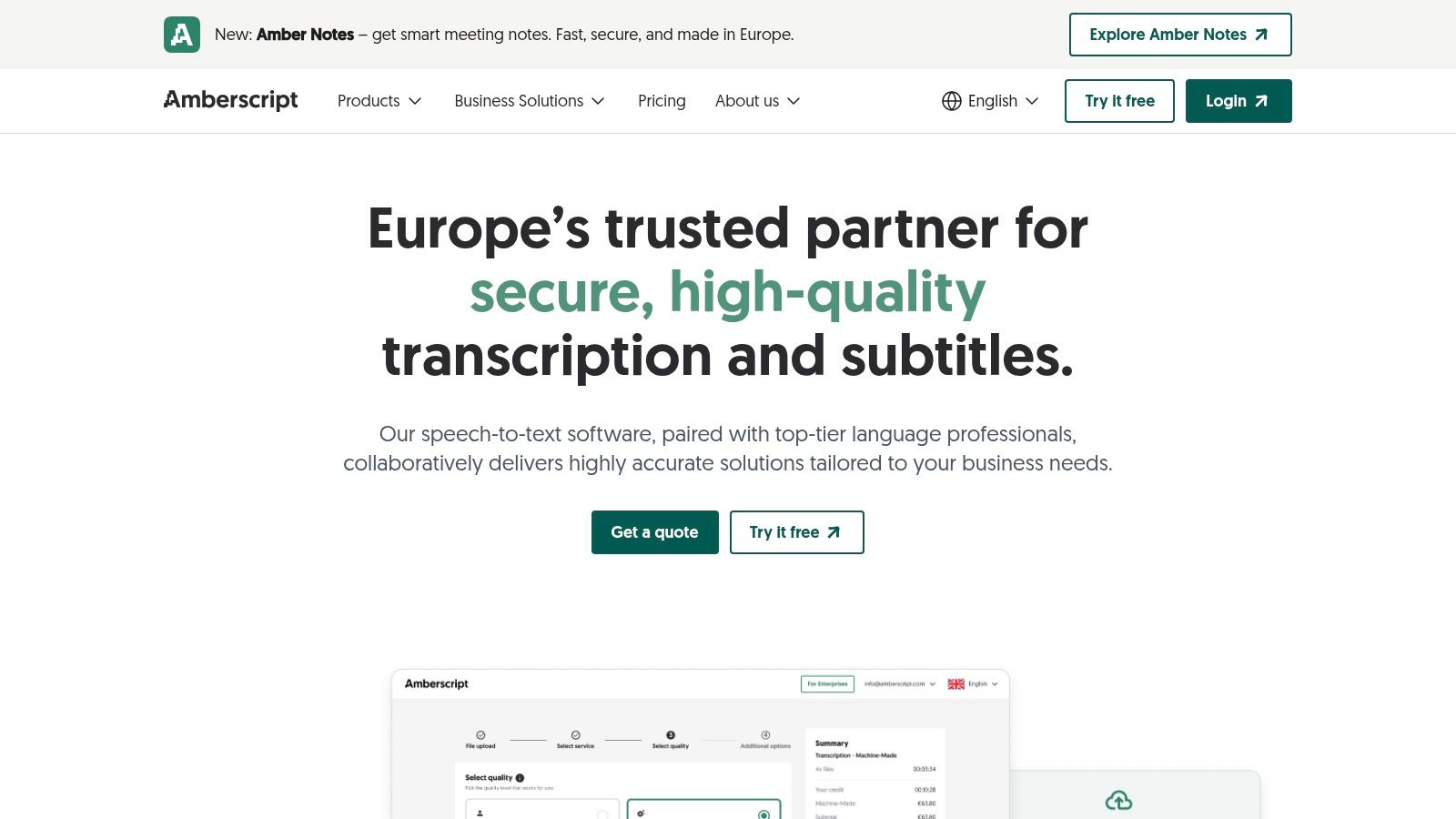
5. Happy Scribe
Happy Scribe sits between the two: automated transcripts with an optional human-proofread upgrade, cloud-storage integrations, and support for a wide spread of languages. Teams that review transcripts together get shared workspaces without newsroom-level pricing.
Best Fits for Business Professionals
6. Otter.ai
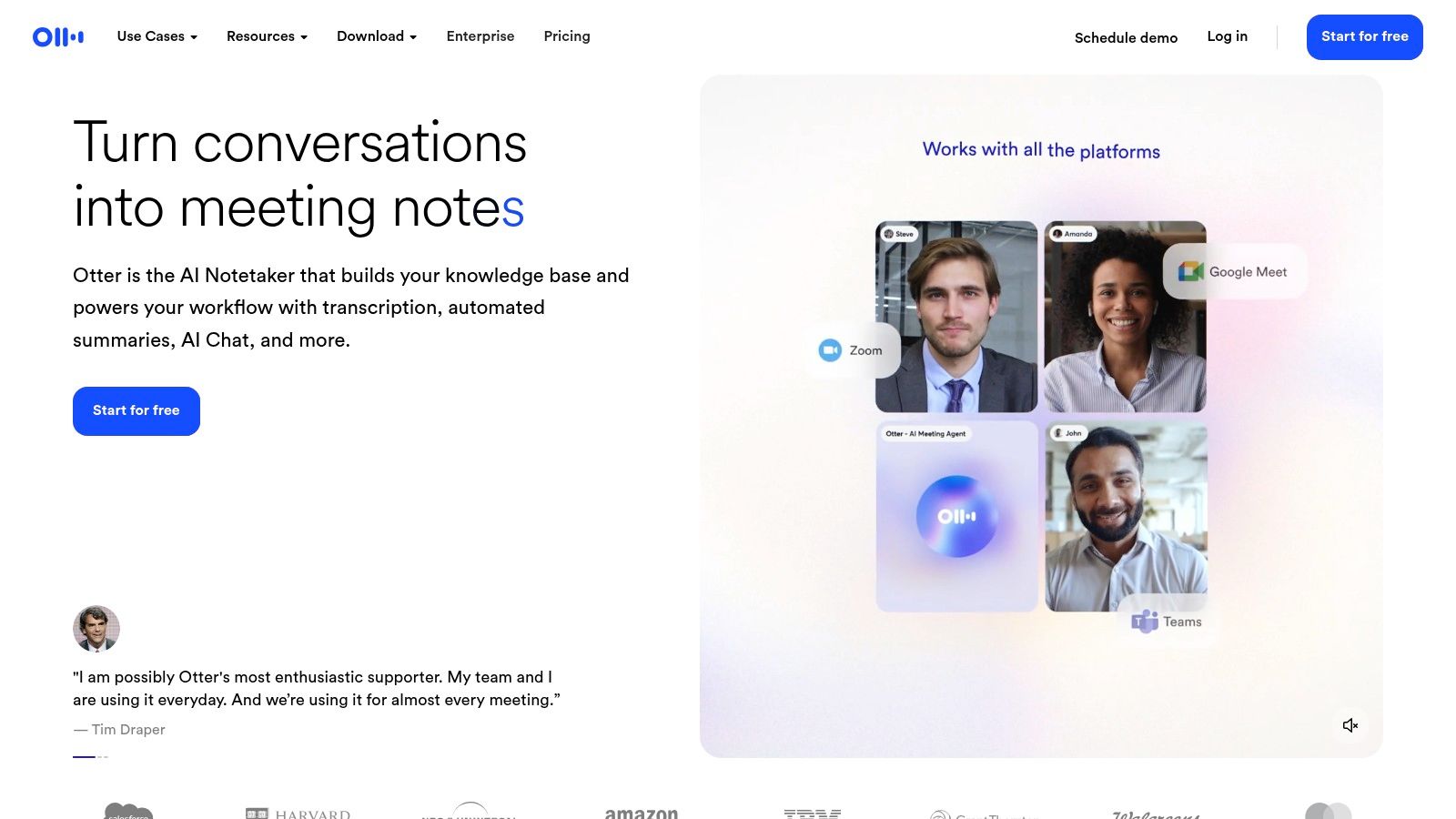
Otter is less a file converter than a meeting assistant: it joins your Zoom, Meet, or Teams call, writes notes live, and produces summaries and action items afterwards. If your audio consists of meetings, that is exactly right. If your audio consists of finished media files, its import limits and meeting-first design work against you.
7. Rev
Rev's flagship is human transcription with a 99% accuracy guarantee at a flat per-minute rate, alongside a cheaper automated service. Legal, medical, and compliance-bound teams pay the premium because a person catches what algorithms miss. For everyday transcription the cost is hard to justify.
Best Fits for Technical Users
8. OpenAI Whisper
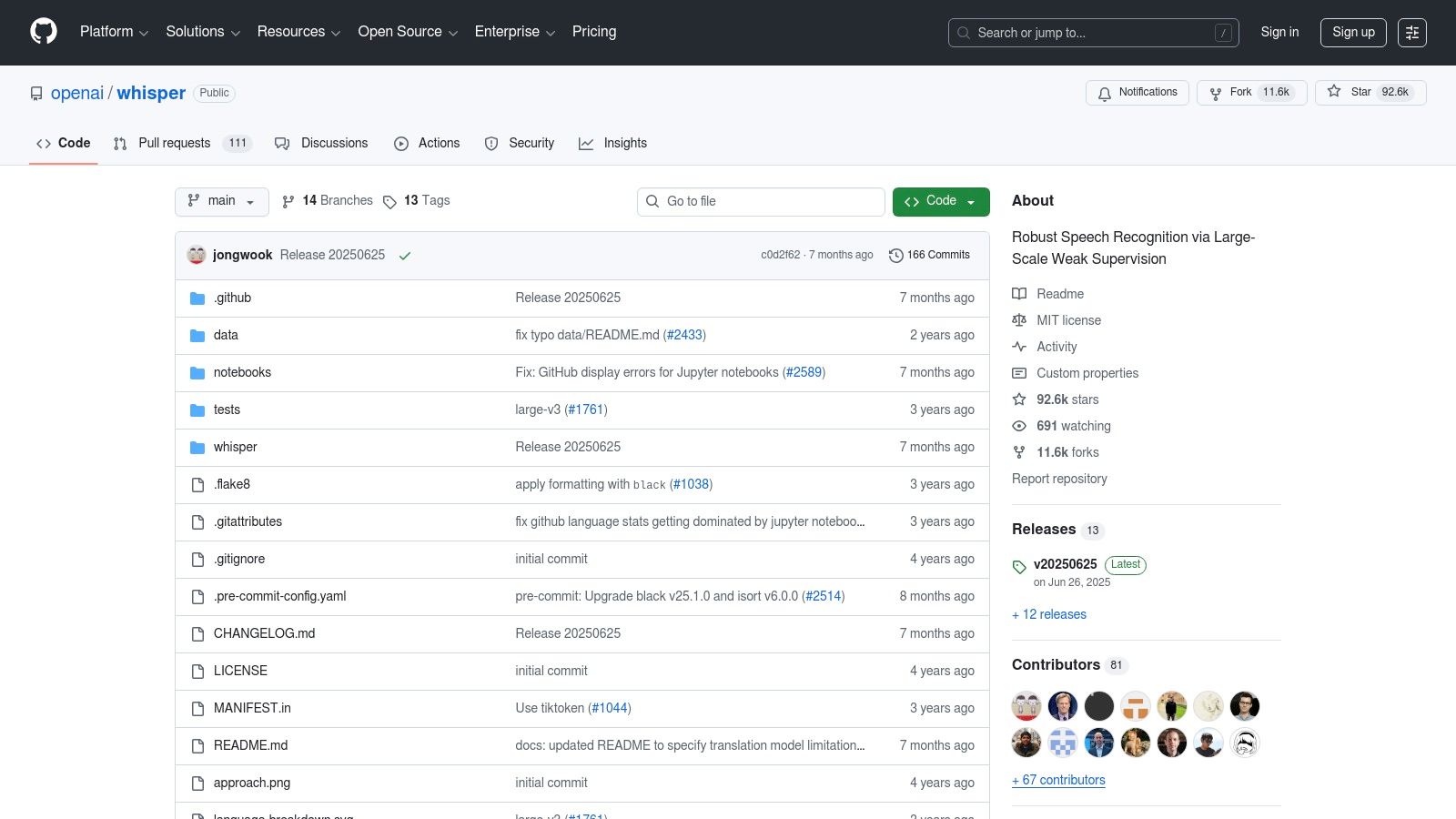
Whisper is an open-source speech recognition model you run yourself. Nothing leaves your machine, there are no per-minute fees, and multilingual accuracy is strong. The price is paid in setup and hardware: you need comfort with a command line, and the larger models want a capable GPU.
9. Amazon Transcribe
An API rather than an app, Amazon Transcribe is for engineering teams wiring speech recognition into their own products: call-centre analytics, redaction of personal data, custom vocabularies at scale. Nobody should pick it for transcribing a podcast episode by hand.
Matching the Tool to the Task
A short decision path. If you want a transcript from a file with minimal ceremony, a dedicated upload tool is fastest. If editing audio is part of the job, Descript. If a mistake could end up in court, human review through Rev. If your recordings are meetings, Otter. If your audio must never touch someone else's server, Whisper.
Budget matters too: several of these tools have usable free allowances, and we broke down exactly what each one gives away in our guide to free transcription software. FileToText itself is paid; its free 10 minutes on your first file exist to prove the quality before you pay.
Common Questions
What accuracy should I expect from an audio to text converter?
On clear, single-speaker audio, modern tools genuinely reach the mid-to-high nineties. Expect that number to fall with background noise, crosstalk, heavy accents, and distant microphones. The practical move is to run a difficult sample through a free preview before committing to any paid plan.
Which converter handles multiple languages best?
Breadth and detection are what differ. FileToText auto-detects across 90+ languages, and Whisper is also strongly multilingual if you self-host. Whatever you choose, confirm that your specific languages are well supported. Advertised totals often hide large quality gaps between major and minor languages.
Should I pick a subscription or pay-as-you-go pricing?
Count your realistic monthly hours. Steady volume, such as weekly episodes or recurring meetings, usually favours a subscription. Irregular bursts (a quarterly research project, one annual conference) favour per-hour or per-file pricing, because subscription minutes rarely roll over.
What is the safest option for confidential recordings?
Self-hosting Whisper keeps audio entirely on your own hardware, which is the strictest answer. Among cloud services, prefer vendors that say where data is processed, offer deletion controls, and commit to not training models on your uploads.
If your next step is simply getting a clean transcript out of a file, try FileToText: drop the recording at filetotext.ai, read the first ten minutes of your first file free, and pay only after you have seen the quality on your own audio.